
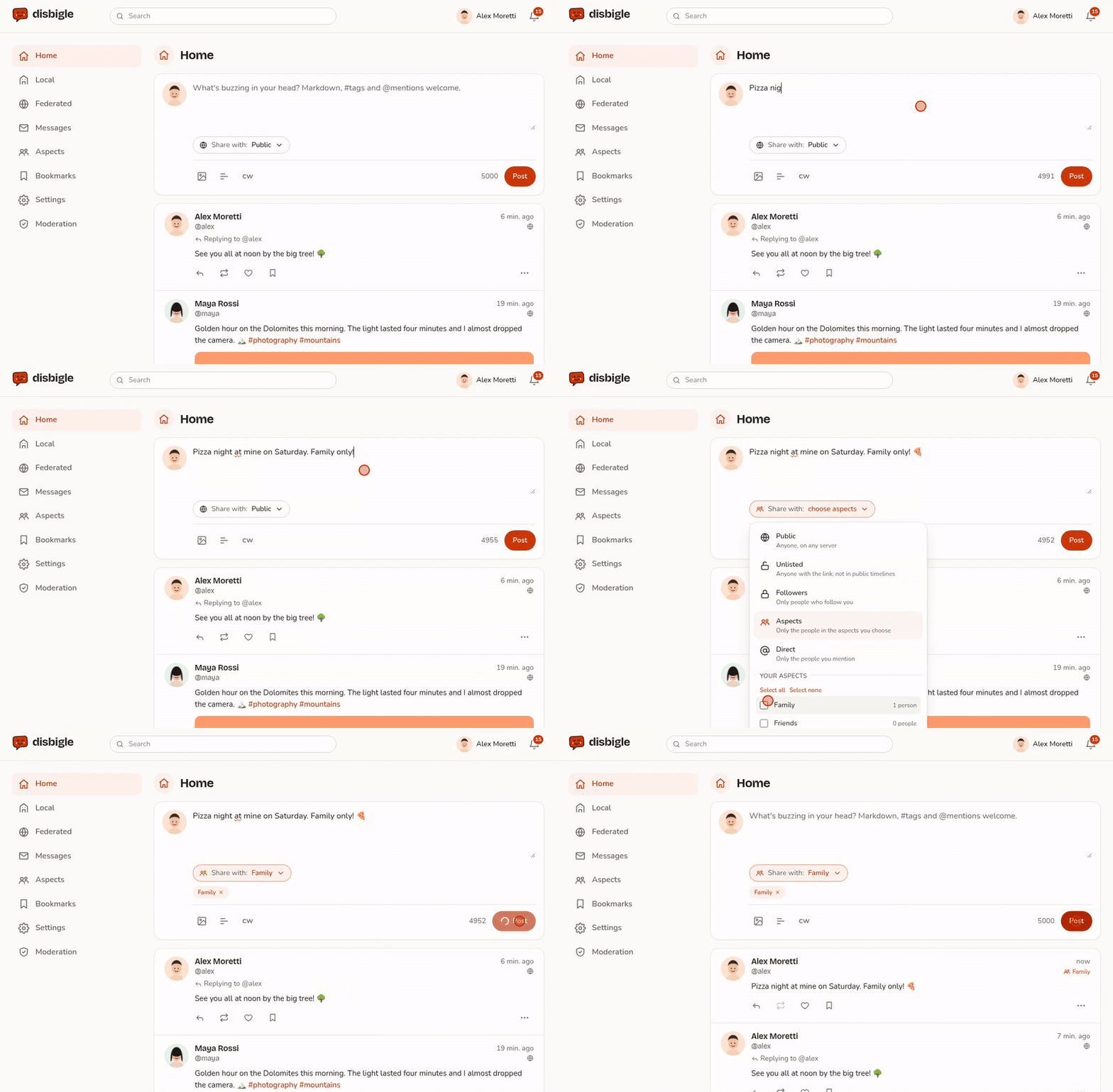
Have you ever lost a long post because the page closed? It will not happen again in the web app: what you write is saved as a draft while you type.
Drafts that come back
The text and the content warning are kept in your browser. If the page closes, the connection drops or sending fails, open the box again and your text is still there, with the note "Draft restored" and a button to discard it. #29
- There is one draft for each account and for each place where you write: a new post, a reply, a group.
- The draft is deleted when you publish, and all of them when you sign out.
- Attachments and polls are not saved: only the text.
The idea comes from Misskey: good ideas travel across the fediverse too.
On Android: buttons that fit
In the box where you write, the code, link and Preview buttons ended up off the screen, in a row that scrolled sideways without showing it. Now they wrap onto two rows, and Preview is always in sight. #27
It arrives with the next version of the Android app, 0.4.4.
Thanks, prealpinux! Found a bug or have an idea? Open an issue.
Comments
No comments yet.